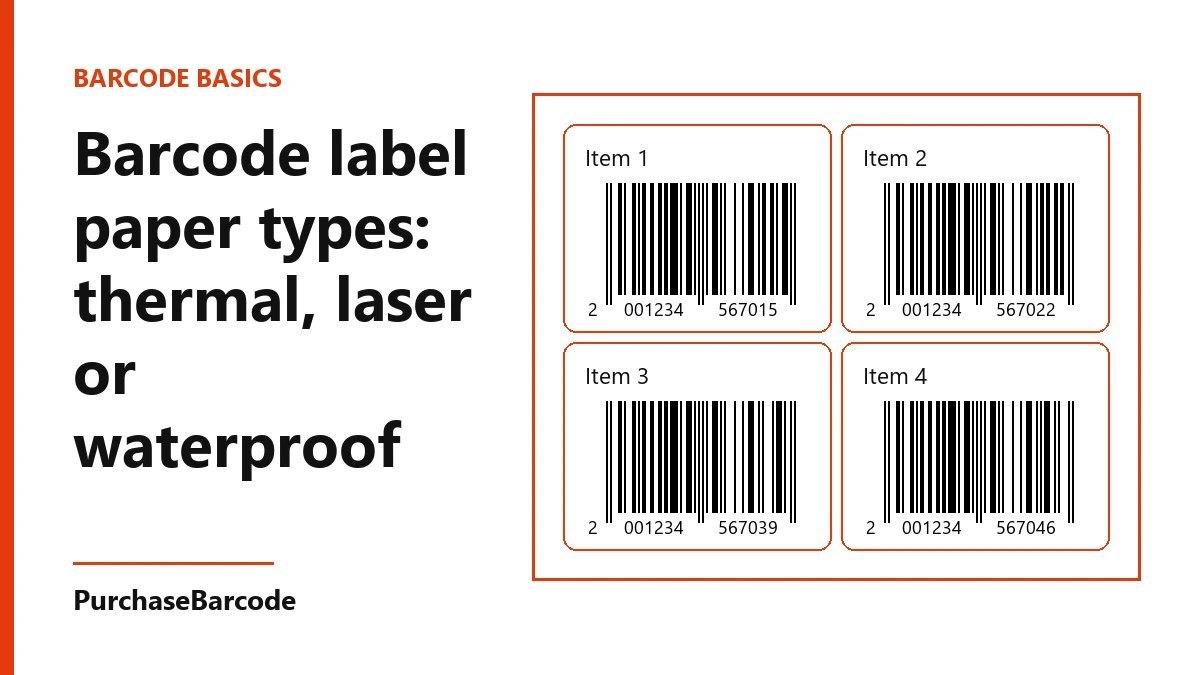
Barcode label paper types: thermal, laser or waterproof
Barcode label paper types compared: direct thermal, thermal transfer, laser sheets and waterproof film, matched to the shelf, the fridge and the carton.
Use direct thermal labels for goods that sell within a few months, thermal transfer on synthetic film for anything cold, wet or long-lived, and laser sheets only for small office runs. Choose the paper by where the pack will sit, then print one test label and scan it before you buy the roll.
Barcode label paper types, in plain terms
A shop or a small brand will meet four barcode label paper types: direct thermal, thermal transfer, laser or inkjet sheets, and waterproof film. They differ in how the print gets onto the label. They also differ in how long that print stays sharp.
The barcode has one job. It scans at a till, so the product and its price come up on the screen. The paper decides whether it still scans after a month on a shelf, a week in a fridge or a long ride in a carton.
So don't start with the printer you already own. Start with where the pack will sit after it leaves your hands. If you are still choosing which kind of barcode the product needs, the barcode guide covers that first step.
Direct thermal: the counter label
Direct thermal paper has a coating that turns black when heated. The printer needs no ribbon. The print head warms tiny dots on the label and the bars appear.
This is the cheapest and simplest way to print at a counter. A desktop printer and a roll of 50 × 25 mm labels will get a shop going in an afternoon. A roll usually holds about a thousand labels.
The catch is heat, light and time. A label near a sunny window can fade in a few weeks. Hand cream, oil and some plastic wraps darken the face until the bars blur. Kept indoors and out of the sun, most direct thermal stock stays readable for six to twelve months.
That makes it right for goods that sell fast: sweets, bakery items, fresh produce, gift packs for a festival, and shipping labels.
To check what stock you already have, scratch the label face with a fingernail. If a grey line appears, it is direct thermal.
Thermal transfer: the label that lasts
Thermal transfer prints through a ribbon. The head melts ink from the ribbon onto the label face. The ink sits on top of the label, so light does not fade it. A good thermal transfer label stays readable for years.
The ribbon has to match the label. There are three kinds.
Wax ribbons suit plain paper labels on dry goods kept indoors. They are the cheapest.
Wax-resin ribbons suit coated paper and light film. They hold up when boxes rub against each other in a carton.
Resin ribbons suit synthetic film. They survive water, oil, cold and a wipe with spirit.
Many desktop label printers can print both ways. If yours has a spindle for a ribbon, it can do thermal transfer. Buy a ribbon a little wider than the label, so a 50 mm label takes a 55 or 60 mm ribbon. Check whether your printer takes ink-side-in or ink-side-out ribbon. The wrong one prints nothing at all.
Waterproof and fridge labels
Paper soaks up water. In a fridge, a thin film of water forms on the pack each time the door opens. A paper label wrinkles, the bars swell, and the scanner starts to miss.
For cold, wet or oily goods, use synthetic film. The two common faces are polypropylene, sold as PP, and polyester, sold as PET. Print them with a resin ribbon.
The glue matters as much as the face. Standard glue lets go below about 5 °C. Freezer glue holds down to minus 20 °C or lower. Stick the label on at room temperature, onto a clean and dry pack, and chill it after. No glue holds well on a pack that already has frost on it.
Film with permanent glue suits dairy, juices, sauces, pickles in glass jars, frozen snacks, oils and cleaning liquids. It also suits soaps and lotions that will sit in a bathroom.
Laser and inkjet sheets
Sheet labels come on A4 pages, cut into 24, 40 or 65 labels a sheet. They make sense for a first run of 50 or 100 packs from an office printer.
Laser toner is fused with heat and holds well on dry goods. Inkjet ink can smear when wet, unless the sheet is made for inkjet and left to dry.
Sheets have limits. The print can drift out of line across a page. Part-used sheets curl and jam. Each label costs more than one from a roll.
Print at actual size, never "fit to page". Scaling shrinks the bars, and a shrunk barcode can stop scanning. Waterproof film sheets exist for laser printers too. Only put film made for laser into a laser printer, because other film can melt inside it.
Match the paper to the shelf
On a dry shelf, sold within a few months: direct thermal paper is enough.
On a dry shelf for a year or more, such as hardware, books or stationery: thermal transfer on coated paper, with a wax-resin ribbon.
In a fridge, freezer or bathroom: PP or PET film, a resin ribbon and freezer or permanent glue.
On an outer carton: thermal transfer paper with a wax-resin ribbon, on a larger label. A 100 × 150 mm label is common for cartons, and it leaves room for the count and the product name.
On a small round bottle, the curve bends the bars away from the scanner. Use a thin, flexible film label, and turn the barcode so the bars run across the bottle like the rungs of a ladder.
Print details that matter as much as paper
Print black bars on a white or pale face. Avoid red, orange and yellow bars, because many scanners read with red light and those colours disappear.
Leave a clear margin on each side of the bars. Text, a fold or the edge of the label in that gap can stop a scan.
Keep the barcode at full size, or slightly larger. Shrinking it to fit a small label is the most common reason a code scans at your desk but fails at a busy till. The EAN-13 packs come with image files sized for printing, so start from those rather than a screenshot.
If a shop buyer asks for a particular label size or position, tell us where you sell and we will point you to what that shop wants.
Print one, scan it, then buy the roll
Buy a small sample of the stock first. Print five labels.
Stick one on the real pack, not a sheet of paper. Put it where it will live. A fridge pack goes in the fridge overnight. A shelf pack sits near a window for a week. A carton label gets rubbed with your thumb ten times.
Then scan it with a till scanner or a barcode app on a phone. If it reads on the first try, order the full roll and a spare ribbon. If it misses, change one thing at a time: the ribbon, the face, the glue or the size.
When the paper is sorted, choose the numbers for your products from the barcode packs and prices.
These are correctly formed, scannable numbers issued to you alone. A standard retail or POS scanner reads them: it checks the number's structure and its check digit, nothing more. Whether a marketplace or retailer accepts one is that channel's own decision — a small share of platforms and retailers look every number up in the global barcode database and will ask for a registered code instead. Tell us where you plan to sell and we will check it with you before you buy. Which barcode do I need?